One family, one interface.
cognita dev and cognita grc share a shell, a component library and a way of explaining themselves. Someone who knows one can find their way around the other on day one.
Six rules the screens follow.
Records, not documents
Deliverables, controls and assessments are structured records edited field by field. Documents are generated from them, so the record and the report can never disagree.
Show the state
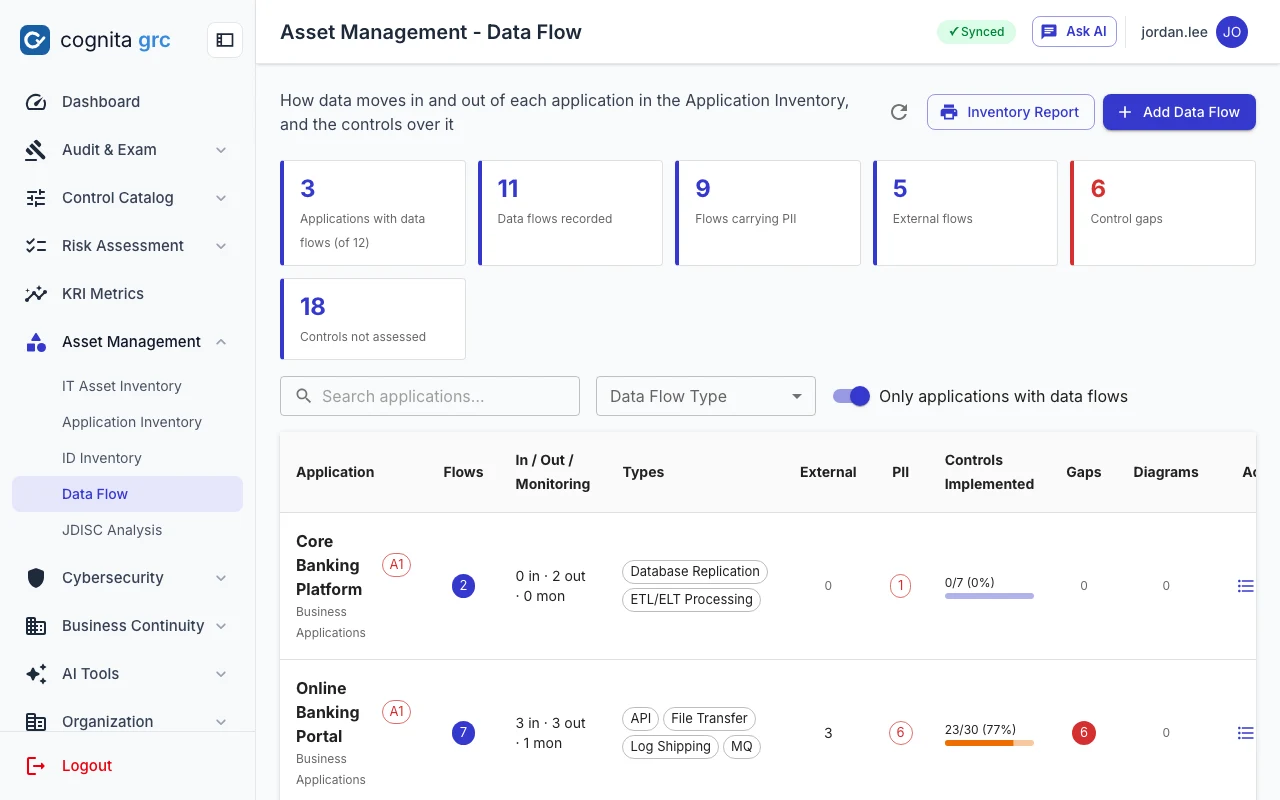
Status lives in chips and banners, not buried in text: gate readiness, RAG ratings, overdue reviews, AI-generated sections, computed-from-records fields.
Explain every refusal
When something is blocked, the screen says why and what would unblock it: "G6 opens only when every mandatory assessment passed", "Inspection required to rate Effective".
Label the machine
AI output is marked until a person edits it, and every AI action is a visible button a person chooses to press.
Make the safe path the easy path
The sign-off button stays disabled until the statement is confirmed and a fresh code entered; bulk edits write only the fields you ticked.
Same shell everywhere
Sidebar, header, page titles and dialogs behave the same in both products, so training carries over.
A light sidebar, a quiet header, content first.
A 256-pixel sidebar groups modules the way the work is organised and collapses to an 80-pixel icon rail. The selected item is an indigo pill. A white 64-pixel header carries the page title, notifications or the AI assistant, and the signed-in user.
 cognita dev · /deliverables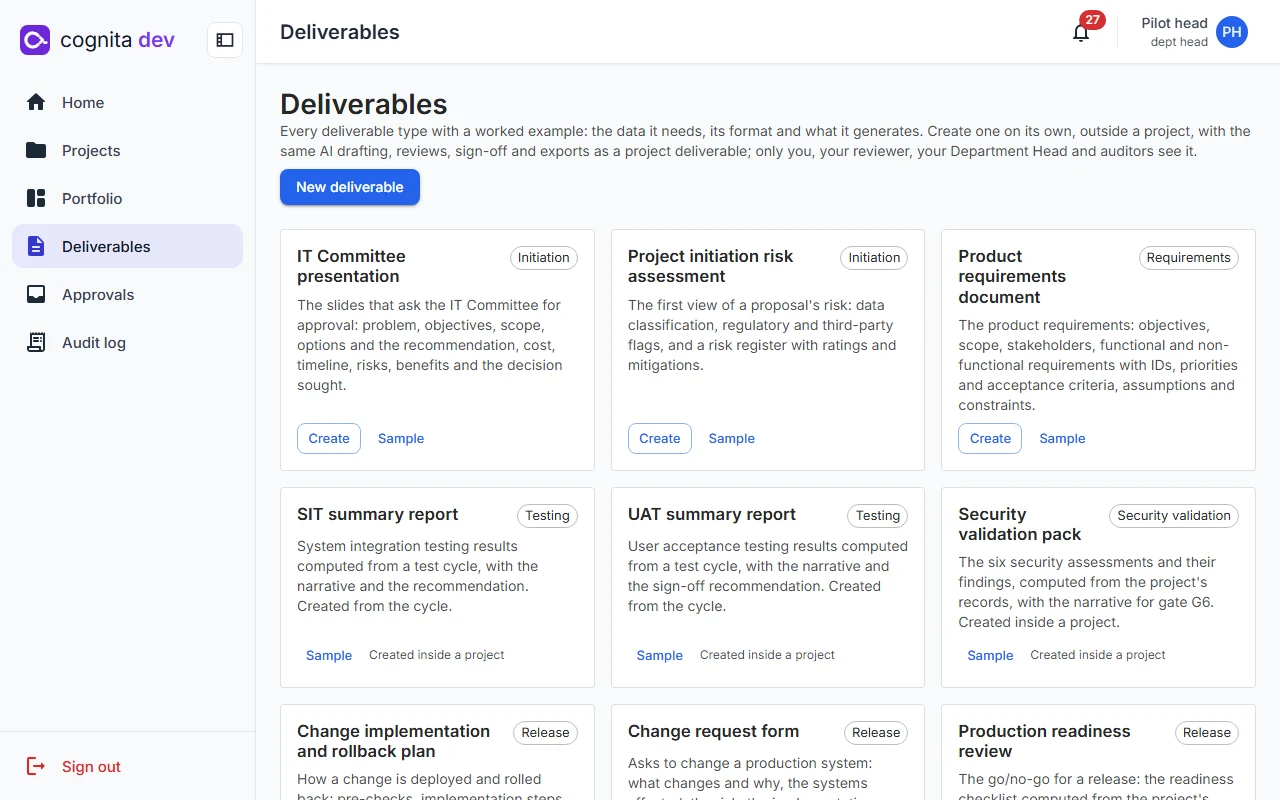
 cognita grc · /asset-management/data-flows
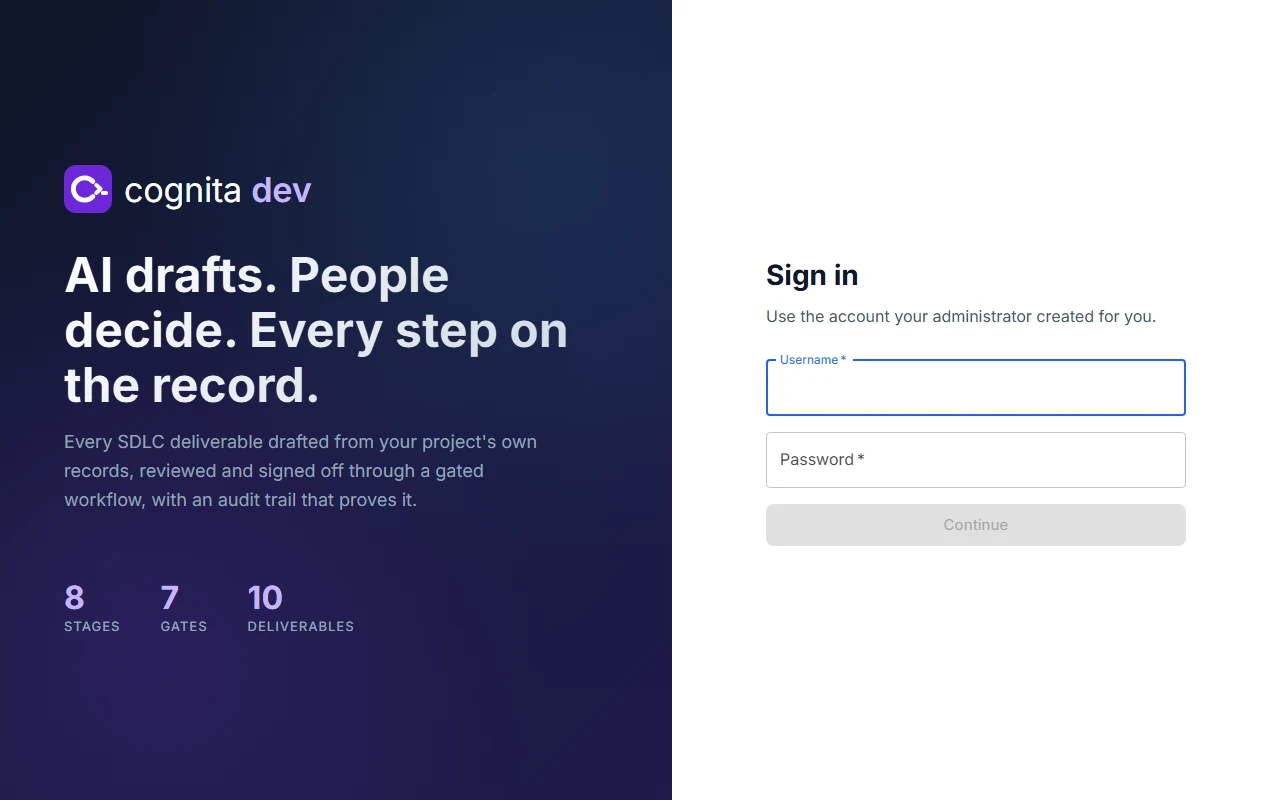
 cognita dev · /login
 cognita grc · /login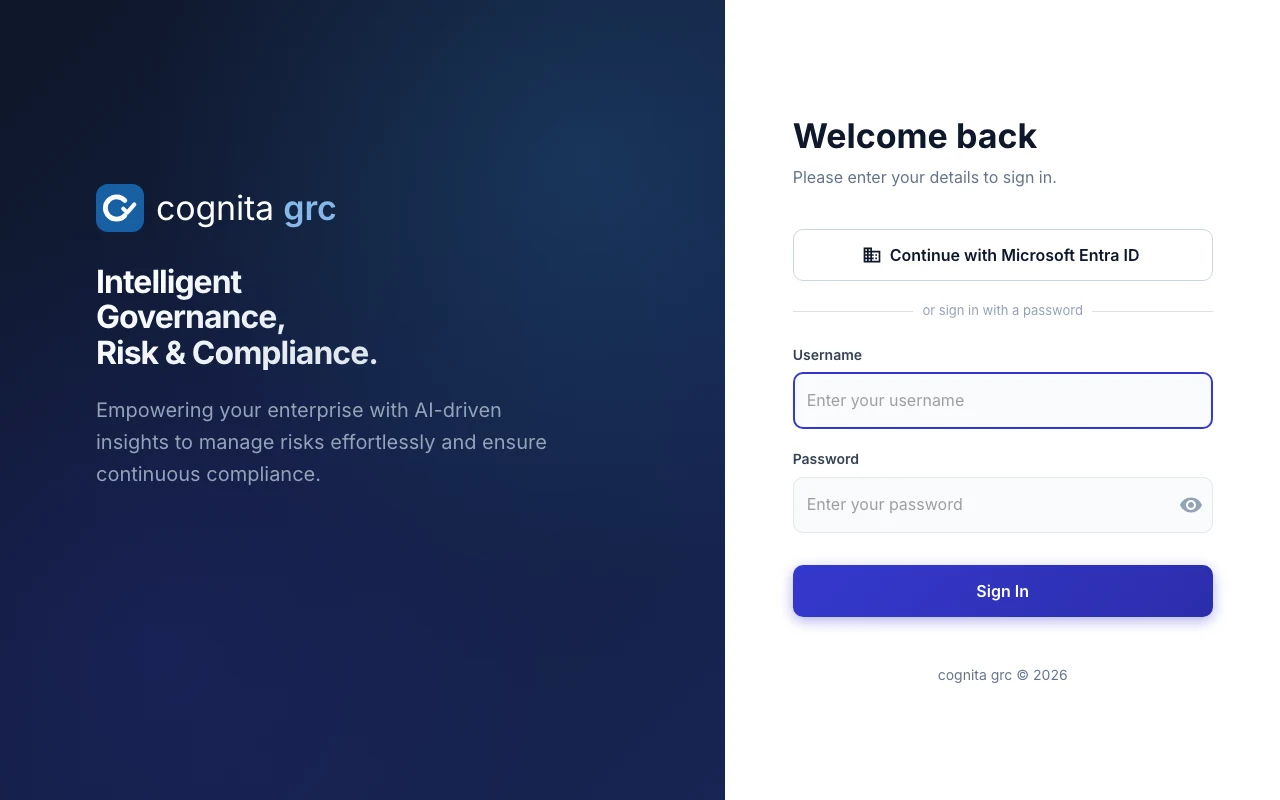
A lowercase c, finished three ways.
Each mark is the same rounded tile and the same lowercase c. What finishes the c says what the product does.
 cognita suite
Finished with a spark: the intelligence that runs through both products. The indigo is the colour both interfaces already use for the active state, between the grc blue and the dev violet.
 cognita dev
Finished with a prompt and a cursor: software in motion. Violet, the colour the family uses for AI.
cognita grc
Finished with a check: a control verified. Blue, steady and institutional.
Writing the name
- Always lowercase: cognita suite, cognita dev, cognita grc
- "cognita" in regular weight, the product name in semibold in its accent colour
- Keep the mark and the wordmark together at the sizes shown; never stretch, recolour or outline the tile
Small sizes
At tab size thin strokes blur together, so each mark has a heavier small drawing for favicons and icons of 20 pixels and under.
Each product has its colour; the interface around it is shared.
Brand
Interface and status
Inter in the products; a more editorial voice outside them.
Aa · Inter 400–700
Both applications self-host Inter, with Roboto, Helvetica and Arial as fallbacks. Buttons use sentence case with an 8-pixel radius.
Aa · Newsreader
Headlines in Newsreader, text in Hanken Grotesk, and hashes, IDs and routes in IBM Plex Mono, the kind of detail auditors read.
Download the marks.
Vector files for press, partner pages and internal portals. Please keep the clear space around the tile at least a quarter of its width.